The player who runs one PC, one monitor and mostly competitive or action titles. A 27-inch 1440p panel at 240 Hz is the sweet spot for a mid-to-high-end GPU: sharp enough for desktop work, light enough to drive at high frame rates, and small enough that the whole screen sits in the eye's comfortable field of view. The tower lives on the desk because the case is part of the look, and the lighting is tuned for a room that is kept dark while playing.
Inspiration № 01 · Gaming · Researched picks
One fast monitor, a tower on the desk, light on the wall
A good gaming desk is a single fast monitor at eye height, a keyboard and mouse that stay out of each other's way, and lighting that makes a dark room easier on the eyes rather than harder. This page works from one real home setup and picks seven parts that reproduce it in Canada without paying list price for any of them.
Photo coming
Photo by Atahan Demir on Pexels (Pexels License). This is not Dream Desk Setup's desk: the gear below is a researched match for what the photo shows, labelled accordingly, never an identification of the photographer's own products.
What the photo shows
Read the setup first
Observations at category level. No logos were read off the photo.
- One large flat monitor as the centrepiece
- Tower PC on the desk with illuminated case fans behind glass
- Mechanical keyboard and mouse on the desk surface
- RGB ambient light washing the desk and wall; shot in a dark room
- No brand is legible in the photo; every pick below is a researched match for the category, not an identification
Use cases
Who this layout is for, and when it is wrong
Discipline. One monitor on an arm clears the stand off the pad, so a full-desk cloth mat can run uninterrupted under keyboard and mouse. A 75% keyboard keeps the arrow keys and function row but gives the mouse hand roughly 10 cm more swing room than a full-size board. Light bars behind the display put colour on the wall instead of in the eyes, which is the difference between bias lighting that reduces strain and RGB that adds to it.
Anyone who plays with the lights on should swap the IPS panel for an OLED or mini-LED to get back the contrast lost to glow. A racing-style gaming chair looks right in photos but a mesh task chair with a long warranty holds up better over years of sitting. And if the desk is narrower than 140 cm, step the pad down to an XXL and consider wall-mounting the arm so the surface stays clear.
How it works
Signal, light, surface
The GPU feeds the monitor over DisplayPort 1.4 (with DSC) for 240 Hz at 1440p; the HDMI 2.1 ports are there for a console at 120 Hz. Enabling G-SYNC or FreeSync in the driver keeps frame delivery smooth when the frame rate dips below the refresh rate.
Keyboard and mouse both run on 2.4 GHz dongles at 1000 Hz (the mouse can be pushed to 8 kHz). Plugging the dongles into a front or desk-top USB port, not the back of the case under the desk, keeps the radio link short and away from the PC's own USB 3 ports.
Bias light bars sit behind or beside the monitor and project onto the wall, raising ambient brightness around the screen so the pupil does not have to fight a bright panel in a black room. Screen-sync modes sample the display colour and push it to the bars.
A 4 mm cloth pad across the whole desk gives the mouse one consistent friction level and keeps the keyboard from walking. The monitor arm lifts the panel's weight off the desk and sets the top of the screen at eye level, which lets the chair be set for posture rather than for the screen.
Item list
Seven picks that rebuild this desk in Canada
Every pick is Researched alternative: specs, pricing and reviews checked against current sources, not owned here.
- 01 DisplayLG UltraGear 27GR83Q-B Researched alternative
- 02 MountingErgotron LX Desk Monitor Arm Researched alternative
- 03 InputKeychron V1 Max Researched alternative
- 04 InputLogitech G PRO X SUPERLIGHT 2 Researched alternative
- 05 SurfaceRazer Gigantus V2 3XL Researched alternative
- 06 LightingGovee RGBIC Gaming Light Bars (H6047) Researched alternative
- 07 SeatingHerman Miller Sayl Researched alternative
Shopping list
The picks, with a link to buy each one
Names open the verified Amazon.ca page for that model, or the maker's page where Amazon does not carry it.
As an Amazon Associate, Direct To Growth Co. earns from qualifying purchases.
| Category | Product |
|---|---|
| Display | LG UltraGear 27GR83Q-B · 27GR83Q-B, 27-inch 1440p 240 Hz IPS Details · Amazon.ca |
| Mounting | Ergotron LX Desk Monitor Arm · 45-241-026 (polished) / 45-241-224 (matte black) Details · Amazon.ca |
| Input | Keychron V1 Max · V1 Max, 75%, fully assembled with knob Details · Amazon.ca |
| Input | Logitech G PRO X SUPERLIGHT 2 · PRO X SUPERLIGHT 2 LIGHTSPEED Details · Amazon.ca |
| Surface | Razer Gigantus V2 3XL · Gigantus V2, 3XL (1200 x 550 x 4 mm) Details · Amazon.ca |
| Lighting | Govee RGBIC Gaming Light Bars (H6047) · H6047, two bars with smart controller Details · Amazon.ca |
| Seating | Herman Miller Sayl · Sayl, fully adjustable arms, adjustable seat depth Details · Herman Miller Canada |
LG UltraGear 27GR83Q-B
27GR83Q-B, 27-inch 1440p 240 Hz IPS
The single fast display the whole layout is built around
ListUS$499.99
+ 240 Hz IPS at 1440p with ~3 ms input lag
− IPS glow and ~1,000:1 contrast look washed out in a dark RGB-lit room
Ergotron LX Desk Monitor Arm
45-241-026 (polished) / 45-241-224 (matte black)
Lifts the monitor off the desk so the pad can run uninterrupted
ListUS$205
+ 7-25 lb capacity covers 27-34 inch monitors
− Expensive next to generic arms for sub-20 lb monitors
Keychron V1 Max
V1 Max, 75%, fully assembled with knob
A 75% board that keeps arrows and the function row while giving the mouse hand room
ListUS$114.99 / C$169.99
+ Gasket-mount 75% with knob, hot-swap switches and PBT keycaps at a budget price
− ABS plastic case feels less premium than the metal Q1 Max
Logitech G PRO X SUPERLIGHT 2
PRO X SUPERLIGHT 2 LIGHTSPEED
A 60 g wireless mouse for the low-sensitivity swings the big pad is there for
ListUS$159.99 / C$219.99
+ 60 g with no holes
− Premium price for a 5-button mouse with no Bluetooth
Razer Gigantus V2 3XL
Gigantus V2, 3XL (1200 x 550 x 4 mm)
One cloth surface under keyboard and mouse, edge to edge
ListUS$49.99
+ 1200 x 550 mm covers keyboard, mouse and most stands
− Edges are not stitched and fray faster
Govee RGBIC Gaming Light Bars (H6047)
H6047, two bars with smart controller
Bias light on the wall behind the monitor so a dark room is easier on the eyes
ListC$119.99
+ Two RGBIC bars plus a physical dial controller
− Less bright than marketing images suggest
Herman Miller Sayl
Sayl, fully adjustable arms, adjustable seat depth
The mesh task chair instead of the racing seat; the part of a gaming setup that lasts longest
ListUS$1,275 / C$1,900
+ Ventilated elastomer back stays cool in long sessions
− No headrest option
More inspiration
Other setups
7 picks
Inspiration № 02 · Productivity
Best productivity desk setup
One laptop, one cable, a lot of horizontal screen
7 picks
Inspiration № 03 · Creative / video editing
Best creative and video-editing desk setup
A signal chain, not a furniture choice
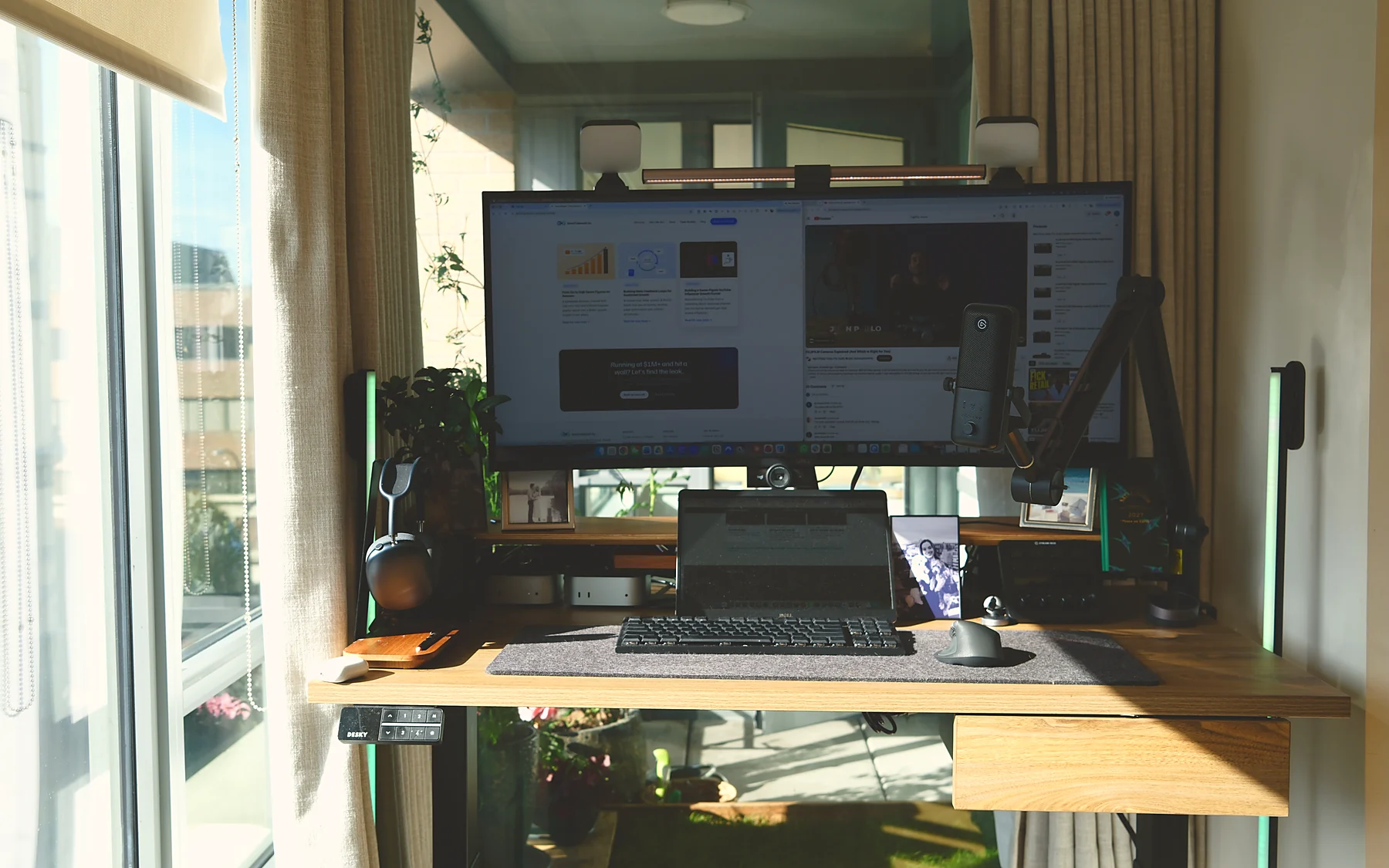 22 items
Desk № 001 · Owned, receipts attached
T.R., CGO
The desk this site is built from.
One useful decision a week
One problem, one recommendation, one caveat, one resource. No daily emails, no fake urgency.
Sign-up: TBD. The newsletter opens with its first issue; until then every decision lands on this site first.
By subscribing you consent to receive the weekly email from Dream Desk Setup, published by Direct To Growth Co. Inc. Unsubscribe in one click, any time. See privacy.